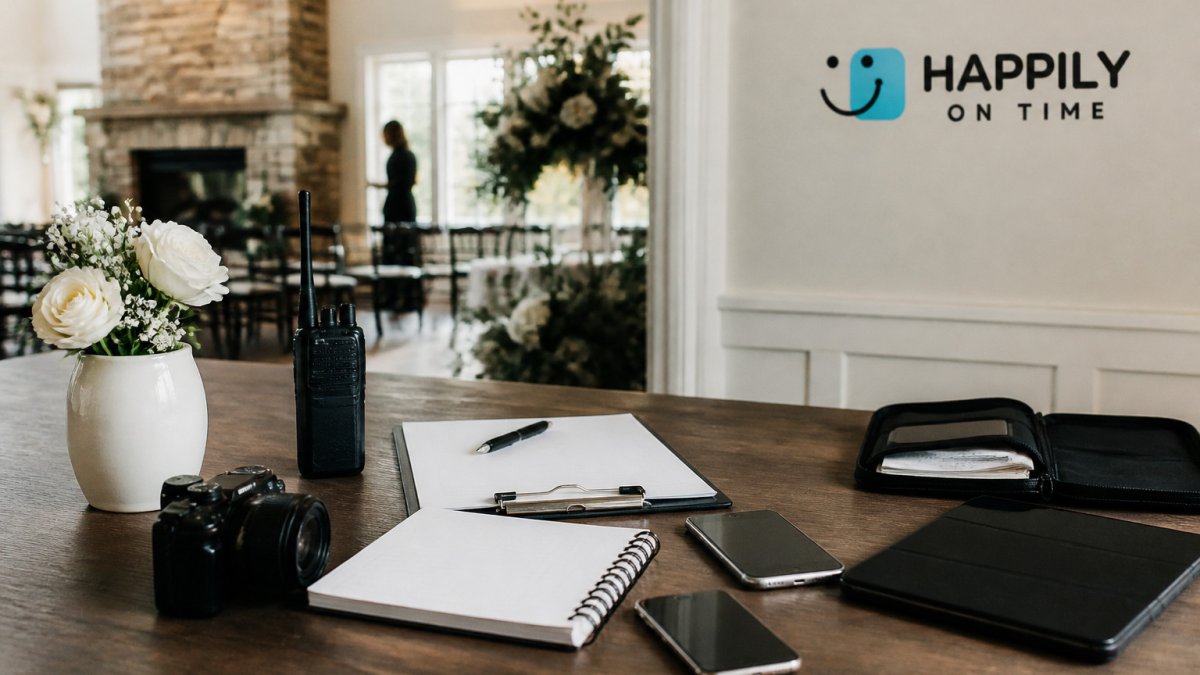
Last Updated: October 30, 2026
Quick Summary
Wedding day communication software is worth it when it gives the whole team one live timeline, delivers schedules by text without logins, and shows each role only what affects them. HAPPILY ON TIME is built for a shared run of show, while planner suites like Aisle Planner or HoneyBook focus more on business management.
- Look for one live timeline that updates for everyone when a change is made.
- Choose a tool that sends vendor schedules by text, so no app download is needed.
- Use role-specific views so each person sees only what affects them.
- Confirm each vendor's current pricing on the vendor's website before buying, since prices change often.
- Test the setup with your planner and vendors before the wedding day.
Table of Contents
- Why Wedding Day Communication Breaks Down
- What Wedding Day Communication Software Should Do
- Best Wedding Planning Software Options Compared
- Wedding Day Timeline App Options for Coordinating Teams
- Using a Wedding Day Schedule Template Alongside Software
- Wedding Vendor Communication Tools That Vendors Will Actually Use
- Wedding Party Communication App Choices and Privacy Controls
- Booking Your First Live Timeline Before the Big Day
- Frequently Asked Questions
Wedding days rarely fall apart from one big mistake. They slip because a florist arrives twenty minutes late, the photographer never got the updated first-look time, and the caterer is working from last week's schedule, which is why good wedding day communication software matters so much. HAPPILY ON TIME exists to close those gaps. This guide explains what wedding-day communication software should do and shows where a spreadsheet and group text stop being enough.
Quick Picks:
- Built for a shared run of show: HAPPILY ON TIME, built around one live timeline that every team member sees in a version tailored to their role.
Why Wedding Day Communication Breaks Down
Most wedding teams start with a shared Google Doc and a group text. That setup works for the planning months. It breaks on the day itself, when changes arrive by the minute and not everyone reads every message.
The core problem is that information lives in too many places: the timeline in one document, vendor arrival times in an email thread, last-minute changes in a text half the team never saw.
What Wedding Day Communication Software Should Do
Good wedding-day software should solve the coordination problem, not just store a timeline.
-
One live source of truth. When the timeline changes, everyone sees the update without asking.
-
Role-specific views. A DJ needs different information than a bridesmaid; each person should see only what affects them.
-
No app download for vendors. Schedules sent by text get read; logins get ignored.
-
Privacy controls. Guest details and family logistics should not be visible to everyone with a link.
-
Updates reach everyone automatically
-
Vendors can receive their schedule without installing anything
-
Each role sees a tailored view
Best Wedding Planning Software Options Compared
Wedding software falls into two groups. Planner suites handle contracts, invoices and client management. Coordination tools focus on the day-of schedule. Many couples need the second group; many planners need both.
| Tool | Published Starting Price | Best For | Day-of Timeline Focus |
|---|---|---|---|
| HAPPILY ON TIME | See pricing page | Couples and planners running a shared timeline | Core feature |
| Aisle Planner | $69.99/month | Planners tracking many projects | Secondary |
| HoneyBook | $29/month (billed yearly) | Planners managing client business | Secondary |
| Dubsado | $20/month | Planners comparing business management tools | Secondary |
| Plutio | $19/month | Planners wanting proposals, timelines and client portals together | Partial |
| Lovebird | Not stated | Couples managing guest communication | Not a focus |
Pricing changes often, so confirm current figures on each vendor's website before you buy.
HAPPILY ON TIME is built for a shared run of show. It replaces scattered spreadsheets and group texts with one live timeline.
Wedding Day Timeline App Options for Coordinating Teams
Timeline apps are where day-of coordination actually happens. If your team includes a planner, a venue coordinator and several vendors, a timeline app keeps everyone synced.
Start with the people who need to read the timeline, not the planner who builds it.
Watch out: Timeline apps that require every vendor to log in often end with the planner texting updates anyway. Confirm vendor adoption before you commit.
Communication-specific evaluation criteria
Most software comparisons focus on guest lists, budgets and seating charts. For wedding-day communication, judge a tool on a different set of features:
- Group messaging and announcements. Can the planner send one update to all vendors or the wedding party without creating a new thread for each person?
- Read receipts and acknowledgments. Does the tool show who has seen a change? An update without a read receipt is a hope, not a confirmation.
- Contact directory. Is every vendor's phone number and role in one place, accessible offline?
Use this framework instead of a general feature checklist. A tool that scores well on guest management may score poorly on day-of communication, and vice versa.
How coordinating teams actually stay synced
A timeline app only works if the team adopts it. The pattern that succeeds: the planner builds one master timeline, assigns each block to a role, and pushes updates through the tool rather than individual texts.
When you compare options, run the same test on each: change one time and see how many steps it takes for the affected vendor to see it.
Matching the tool to the team
A couple planning alone needs less than a planner running fifteen weddings. Match the tool to the team:
- Couples need a shared timeline, text delivery to vendors and a simple view for the wedding party. They rarely need contracts or invoicing.
- Planners need multi-client management, role-based views, priority alerts and a way to revoke vendor access after each event.
- Venue coordinators need the master timeline and a channel that flags conflicts with building rules.
A tool that fits a couple will frustrate a planner, and a planner suite will overwhelm a couple. Decide which team you are before you compare features.
Using a Wedding Day Schedule Template Alongside Software
A printed or shared schedule template still has a role. Use one to plan the day before entering anything into software: write out each block, its start time, its location and the person responsible.
Then move that template into your timeline tool. The template is your thinking tool; the software is your distribution tool. A single live timeline removes the job of keeping both in sync.
A useful template includes:
- Start time and end time for each block
- Location and the vendor responsible
- Buffer time before and after each event
Wedding Vendor Communication Tools That Vendors Will Actually Use
The best tool is the one your vendors open. Caterers, florists and DJs are busy on the day and rarely learn new platforms. Choose a method that asks almost nothing of them.
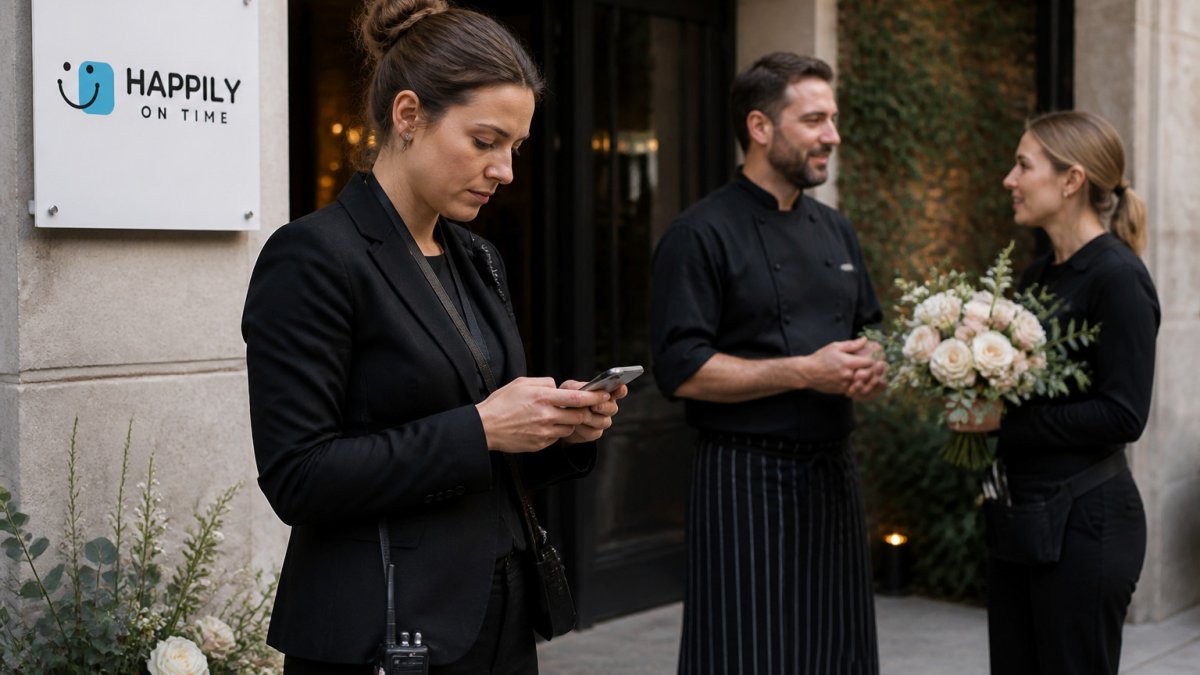
Text-based delivery wins here. A vendor who receives the schedule by text, with no login, is far more likely to read it than one asked to join a portal.
Communication workflows by role
Most wedding-day communication software treats every recipient the same. That is the mistake.
- Couples send approvals and preference changes to the planner; they receive a condensed view of the day and vendor arrival windows, not the full run of show.
- Planners send schedule changes, vendor confirmations and escalation notices; they receive acknowledgments and status flags from every vendor. The planner is the hub, so the tool must let them push one update to many recipients at once.
- Vendors (caterer, florist, DJ, photographer) send arrival and setup confirmations; they receive only their own window, location and the contact who approves changes. A florist needs her delivery window and setup location, not the full run of show.
A practical example: the photographer's first-look time moves from 3:00 p.m. to 3:20 p.m. The planner updates the timeline once. The photographer receives a text with the new time and a one-tap acknowledgment. The venue coordinator sees the change because it affects lighting and access. The couple sees a note that the first look shifted.
Urgent alerts and escalation
Not every update is equal. A twenty-minute florist delay is routine; a caterer no-show is a crisis. Good software lets the planner set priority levels so the right people are reached in the right order.
A common pattern is three tiers:
- Routine, schedule tweaks that go to affected roles only, with no acknowledgment required.
- Priority, changes that need a read receipt, such as a ceremony time shift or a vendor arrival window change.
- Urgent, delays, weather moves or no-shows that trigger a phone call or repeated alert until acknowledged.
Escalation paths matter more than most planners expect. If the DJ does not acknowledge a priority change within a set window, the tool should notify the planner and then the venue coordinator.
Offline access and connectivity failures
Wedding venues are not known for reliable signal. Barns, basements, remote estates and crowded ballrooms all create dead zones. A communication tool that only works online is a liability on the day.
Before you commit, confirm four things:
- Offline schedule access. Can each role open their schedule without a connection? A downloaded or cached view is the minimum.
- Backup contact method. If the app is down, does it fall back to text or a phone call? Text is the most reliable fallback because it works on any phone.
- Battery plan. A planner running the day from a tablet needs a charger and a printed backup; ask whether the tool exports a printable run of show.
A useful test: put your phone in airplane mode and try to open the day's schedule. If you cannot see the next block and the vendor's number, the tool is not ready for a venue with weak signal.
Privacy, permissions and vendor data
Vendors should see only what they need. A caterer does not need the guest list; a florist does not need the payment schedule.
Guest phone numbers, home addresses and family details should stay within a small circle. If the tool cannot limit a vendor to their own window, the planner will end up managing access manually, which defeats the purpose.
Wedding Party Communication App Choices and Privacy Controls
Your wedding party needs updates too: the bridesmaids, groomsmen, parents and anyone helping with transport. Their needs are different from vendors', and so are the privacy stakes.
Look for a tool that lets you share different information with different people. The wedding party should see pickup times and who is responsible for what, not your vendor contracts or your guests' personal details.
Booking Your First Live Timeline Before the Big Day
Test your setup before the wedding, not on the morning of it. Run a practice version with your planner and one or two vendors.
You can review the HAPPILY ON TIME pricing page for current prices and check the free trial before committing. Each team member receives a tailored schedule.
Start with the timeline and confirm the vendors can read their parts. Before committing, you can explore a read-only wedding-day run of show to see how couples, planners, vendors and crew view the same plan.
Frequently Asked Questions
What software do wedding planners use to coordinate vendors?
Wedding planners use a range of tools for client management, proposals, contracts, invoicing and timelines. The right choice depends on whether you need client-business management, day-of run-of-show tracking or both. Compare how each tool handles vendor access and live schedule changes before committing, since those two features decide whether vendors actually stay informed on the day.
Can wedding vendors access a shared timeline without downloading an app?
Yes, some wedding day tools deliver schedules to vendors by text message, so they can read their part of the timeline without installing anything. HAPPILY ON TIME works this way, sending tailored schedules to each team member. Confirm this with any tool you are considering, and ask your vendors whether they prefer a text link, an email or a printed copy, since adoption is the main hurdle rather than the technology itself.
What features should wedding day communication software have?
Look for live, automatic updates that reach everyone when a change is made, role-specific views so each person sees only their part of the schedule, and reliable delivery to vendors who do not use an app. Privacy matters too, because guest details and contact information should not be visible to every team member.
How do you share last-minute wedding day updates with vendors and the wedding party?
Make the update inside the shared timeline rather than in a separate group text, so every team member sees the same version. Then notify affected people directly, such as the photographer for a moved portrait session or the wedding party for a changed call time. Keeping one source of truth reduces the confusion that comes from scattered spreadsheets and multiple chat threads.