Table of Contents
- Quick Comparison: Best Wedding Software for Vendor Sync
- HAPPILY ON TIME: Wedding Day Run of Show Software Built for Sync
- HoneyBook: Automated Invoicing and Digital Contracts
- Dubsado: Customizable Workflows and Client Portals
- Plutio and Planning Pod: Real-Time Calendar Sync and Event Logistics
- Wedy Pro and Bloom: Wedding Vendor Communication Tools for Smaller Teams
- Wedding Planning Software for Professional Planners: Which Tool Fits Your Workflow?
- How to Choose the Best Wedding Software for Vendor Sync
- Frequently Asked Questions
Last Updated: September 28, 2026
Quick Comparison: Best Wedding Software for Vendor Sync
Finding the best wedding software for vendor sync starts with knowing what each platform actually does well. The right tool depends on whether you need run-of-show scheduling, client management, or full event production logistics.
This guide from HAPPILY ON TIME covers how each handles vendor communication, timeline management, and the workflow automation that keeps a wedding day on track.
| Software | Starting Price | Best For | Standout Feature |
|---|---|---|---|
| HAPPILY ON TIME | One-time license | Run-of-show sync | Text-based schedules, no app downloads |
| HoneyBook | $19/month | Booking and payments | Automated client workflows |
| Dubsado | $20/month | Custom client portals | Deep workflow customization |
| Plutio | Contact for pricing | Calendar sync | Bidirectional Google/Outlook sync |
| Planning Pod | Contact for pricing | Event logistics | Floor plan and seating tools |
| Wedy Pro | $25/month | Lead management | Vendor-focused CRM |
| Bloom | $17/month | Creative vendors | Simple booking automation |
| The Knot Pro | Contact for pricing | Lead generation | Built-in vendor marketplace |
HAPPILY ON TIME: Wedding Day Run of Show Software Built for Sync
HAPPILY ON TIME is a specialized wedding day run of show software that keeps couples, planners, vendors, and crews synchronized through one live-updating timeline. It solves the specific problem most general tools ignore: getting everyone to actually see schedule changes.
Vendors and family receive their schedules by text, so nobody downloads an app or creates an account. When you update the timeline, everyone sees the change automatically. Each person gets a customized view showing only what matters to them.
The pricing model stands apart from every subscription tool on this list. You buy a one-time license, which means no recurring fees and no monthly bill after the wedding. Built-in venue buffers help prevent rushing, and the platform keeps wedding details private rather than exposing them to a shared document.

HoneyBook: Automated Invoicing and Digital Contracts
HoneyBook bundles proposals, digital contracts, and payment processing into one client flow.
Its automated workflows send reminders and follow-ups without manual effort. Online contract signing means vendors and clients complete paperwork from their phones. The platform integrates with Google Calendar and Outlook, so booked dates flow into your existing schedule.
The limitation: HoneyBook has no wedding-specific design or layout tools. It manages the business relationship, not the wedding day itself. For planners who need both, it works best paired with a dedicated run-of-show tool.
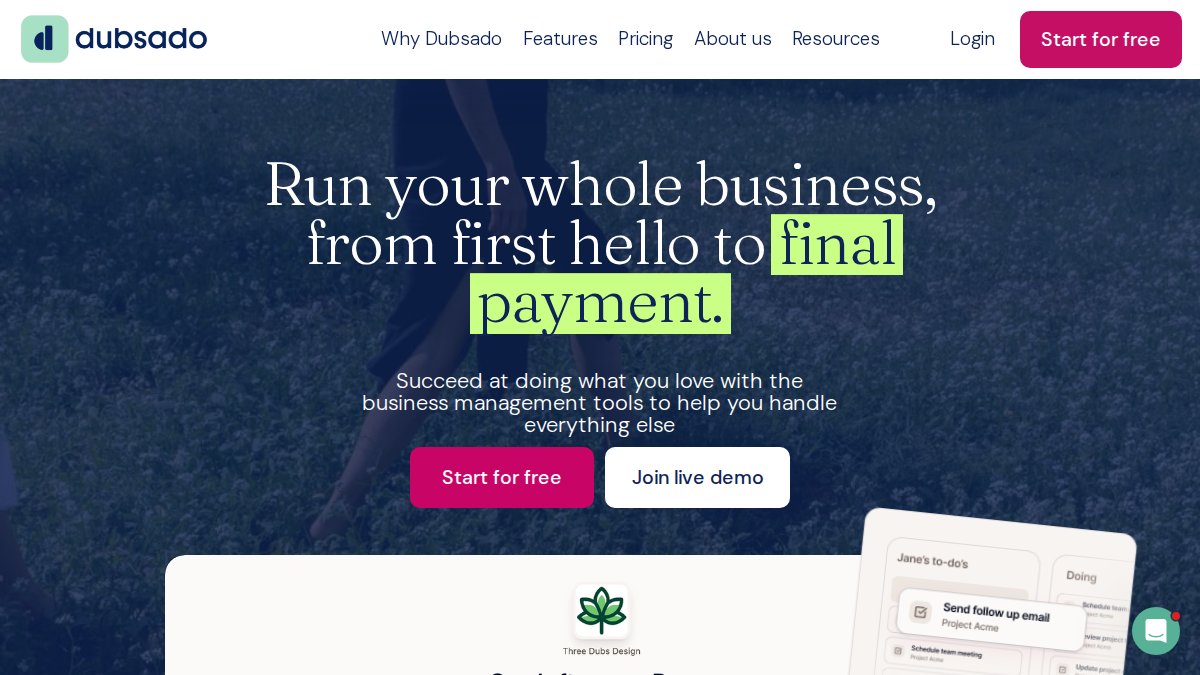
Dubsado: Customizable Workflows and Client Portals
Dubsado gives you extensive customization. Client portals let you share documents, contracts, and timelines under your own branding.
The workflow automation is genuinely powerful once configured. You can build multi-step sequences that trigger based on client actions, which helps with onboarding and vendor communication. Integrated bookkeeping keeps invoices and payments in one place.
The tradeoff is setup time.
Plutio and Planning Pod: Real-Time Calendar Sync and Event Logistics
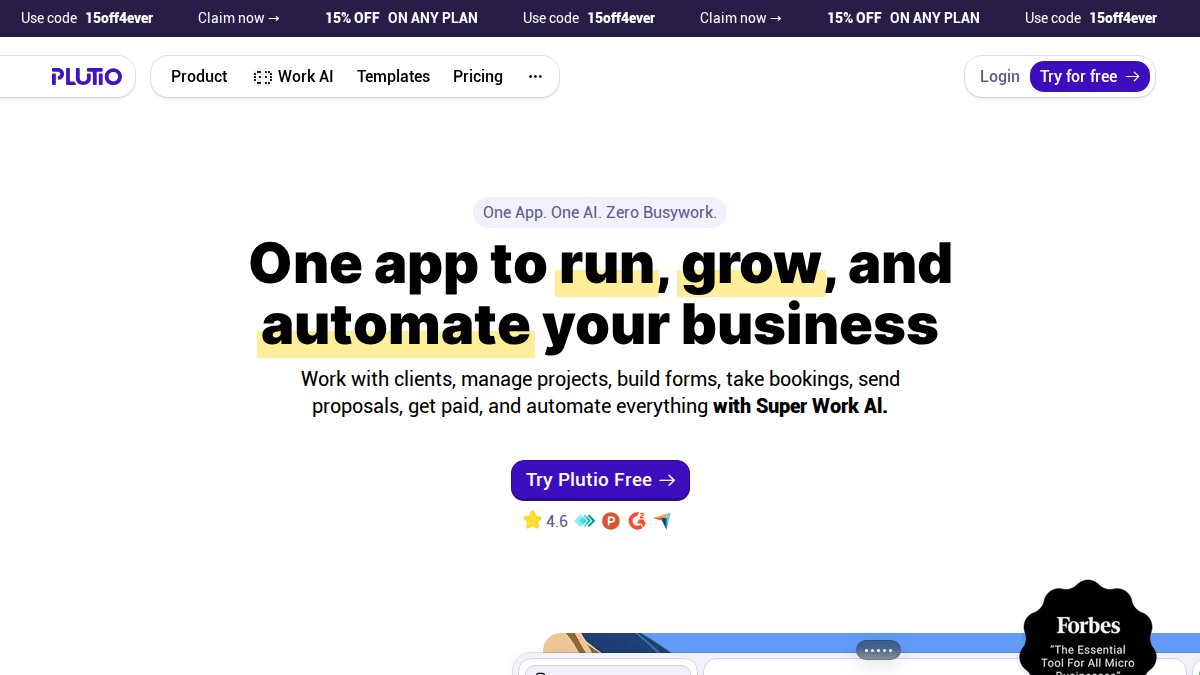
These two platforms target different halves of the coordination problem, and the difference matters most when you look at how data actually moves between systems.
What "real-time sync" actually means here
Most tools on this list sync on a schedule, every 15 minutes, hourly, or on manual refresh. True real-time sync requires an API connection between systems, and very few wedding-specific platforms offer it. When you evaluate a tool, ask three questions:
- Does the sync run both ways, or only pull data in?
- What happens when two people edit the same event at once, does it merge, overwrite, or flag a conflict?
- Does the vendor need an account, or can they receive updates without logging in?
Permission levels for external vendors vs. internal staff
This is the gap almost no comparison article covers. When you invite a florist into your project, you do not want them editing the catering timeline. Look for tools that support at least three tiers:
- View-only for vendors who just need the schedule
- Contribute for vendors who update their own tasks or arrival times
- Admin for your internal team
Wedy Pro and Bloom: Wedding Vendor Communication Tools for Smaller Teams
Smaller vendors often need a CRM, not a full event suite. Both of these fit that gap, but the features that separate them from the pack are the ones most roundups skip.
Offline-first sync: the feature nobody talks about
Wedding work happens in barns, basements, and ballrooms with unreliable cell service. A tool that only works with a live connection is a liability on the day it matters most.
Post-event vendor feedback loops
The vendor performance data you collect, did the caterer arrive on time, did the band follow the run-of-show, did the florist deliver what was promised, can be valuable when booking the next event.
A practical workflow looks like this:
- After the event, send each vendor a short rating request through your CRM
- Log the result against their contact record
- Tag vendors by reliability, communication, and adherence to schedule
- Filter your vendor list by those tags the next time you build a team
A note on mobile syncing
Both tools offer mobile apps, but mobile syncing is not the same as offline capability. A mobile app that requires a connection is just a smaller version of the desktop tool. Check whether the app caches data locally, whether edits made offline queue for upload, and whether conflicts are flagged when two devices reconnect. These details rarely appear on a pricing page, so test them before you commit.

Wedding Planning Software for Professional Planners: Which Tool Fits Your Workflow?
Professional planners juggle multiple clients, vendors, and timelines at once. That changes which features matter most.
How to Choose the Best Wedding Software for Vendor Sync
Match the tool to your actual bottleneck. Vendor communication, timeline management, and payment processing are different jobs.
Start with these questions:
- Does your team need app downloads to see updates? If yes, pick a text-based system.
- Do you bill clients monthly or per event? Subscription tools cost more across many clients.
- Do you manage floor plans and seating? Only Planning Pod covers that natively.
- Are vendors non-technical? Choose the lowest-friction option.
Frequently Asked Questions
What features should I look for in wedding vendor sync software?
Prioritize real-time updates that reach vendors without app downloads, customizable views so each vendor sees only their schedule, automated reminders, and a client portal for document storage. Look for built-in venue buffers to prevent rushing, plus multi-user permission levels if your team is large. Software that syncs directly with Google Calendar or Outlook reduces manual entry. Pricing should match your volume; many wedding vendor sync tools start around $17 to $25 per month, while one-time license models exist for run-of-show platforms.
Is it better to use a CRM or a dedicated run-of-show tool for vendor sync?
It depends on your bottleneck. CRMs like HoneyBook and Dubsado excel at lead tracking, digital contracts, and automated invoicing, which matters for booking. Dedicated run-of-show tools handle the wedding day itself, sending live timeline updates to vendors and family without requiring app downloads. Many professional planners use both: a CRM for the sales pipeline and a run-of-show platform for event logistics. If your main pain point is day-of coordination, a specialized tool wins.
How do professional planners keep vendors updated on timeline changes?
The most reliable method is a cloud-based platform with real-time updates, so when a planner adjusts the production schedule, every vendor sees the change instantly. Automated follow-ups and text-based schedule delivery work best for vendors who rarely check email. Some planners still rely on group texts, but those get buried quickly. A single source of truth with customizable workflows, where photographers, caterers, and DJs each see only their relevant window, cuts the back-and-forth and keeps event coordination tight.
Can wedding vendor sync software handle large or destination weddings?
Yes, if the platform supports multi-venue timelines and offline-first functionality. Large weddings with 200+ guests often involve separate ceremony and reception venues, which means vendors need location-specific schedules. Look for tools with data synchronization across devices, document storage for permits and floor plans, and multi-user permission levels so venue staff and outside vendors see only what applies to them. Test the platform's mobile-responsive interface before the event, since venue Wi-Fi can be unreliable.
How much does wedding vendor sync software cost?
Pricing varies by model. Subscription tools like HoneyBook start around $19 per month, Dubsado around $20 per month, Bloom around $17 per month, and Wedy Pro around $25 per month. HAPPILY ON TIME uses a one-time license instead of recurring fees, so you pay once and keep access permanently. For HAPPILY ON TIME's current pricing, check their website. When comparing, factor in whether you need ongoing client relationship management or just event-day coordination.
Coordinating dozens of vendors across a single wedding day exposes every gap in your tools. HAPPILY ON TIME closes the biggest one by giving every vendor and family member a live schedule by text, with no app to download and no subscription to maintain. The one-time license, automatic updates, and customized views keep your entire team on the same timeline from first look to last dance. Start your timeline with HAPPILY ON TIME and run your wedding day without the status-update chaos.