
Table of Contents
- Why Couples and Planners Switch From Timeline Genius
- Best Digital Wedding Schedule Apps: A Comparison
- Key strengths:
- Key strengths:
- Key strengths:
- Wedding Day Run of Show Software: Key Differences
- How to Create a Wedding Day Timeline That Works
- Subscription vs. One-Time License: What Matters
- Switching Costs and Migration Friction
- Frequently Asked Questions
Last Updated: September 30, 2026
Why Couples and Planners Switch From Timeline Genius
A timeline genius alternative prevents vendors from missing cues and eliminates scattered spreadsheets, disappearing group texts, and vendor confusion about timing.

Timeline Genius wasn't built for modern workflows: couples need a single source of truth, planners need to manage multiple timelines without back-and-forth, and vendors need simple schedules without new apps.
HAPPILY ON TIME is a timeline genius alternative that eliminates status-update texts, prevents rushing with built-in buffers, keeps details private, and gives each team member only relevant information, all with a one-time license instead of subscriptions.
Best Digital Wedding Schedule Apps: A Comparison
The best wedding day run of show software simplifies vendor coordination, enables frictionless team access, prevents timeline problems rather than just documenting them, and integrates with your existing business tools.
Here's how the leading alternatives stack up:
HAPPILY ON TIME: One-Time License with No Subscriptions
HAPPILY ON TIME is a timeline genius alternative that eliminates recurring costs and vendor app fatigue by sending schedules via text instead of requiring app downloads.
Key strengths:
- One-time license means no monthly fees ever
- Vendors see their schedules through text links, eliminating app barriers
- Live updates automatically sync across all users when changes occur
- Customized views ensure each person sees only what's relevant
- Themes match your wedding colors for a polished look
- Built-in venue buffers prevent rushing and lateness
Best for: Couples who want simplicity and control, planners managing multiple weddings, destination events where vendor tech adoption is unpredictable.
Drawbacks: Requires manual setup of vendor contact information.
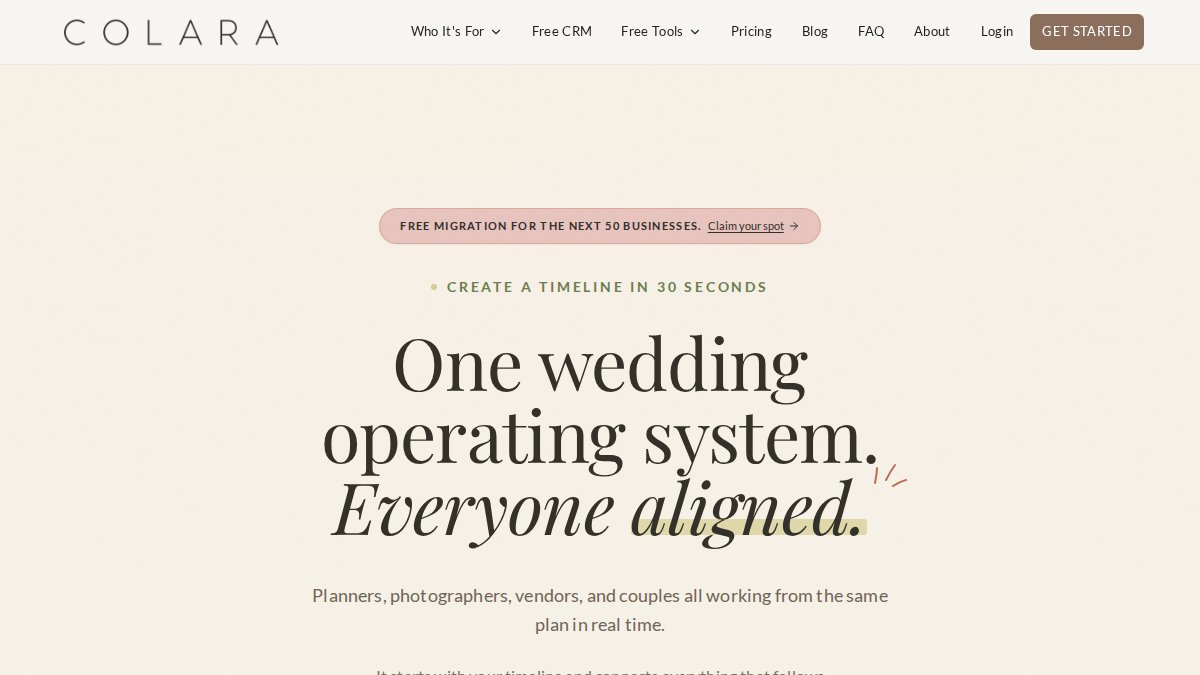
Colara: AI-Powered Timeline Generation
Key strengths:
Best for: Planners managing high volume who want to reduce manual data entry; couples comfortable with AI-generated starting points; teams already using Zapier for workflow automation.
Drawbacks: AI output often requires manual adjustments for complex or destination events; subscription pricing adds ongoing costs; integration ecosystem requires Zapier knowledge for most connections.
SmartyWed: Drag-and-Drop Interface for Fast Setup
Key strengths:
Best for: Event professionals who need quick setup; planners new to digital tools; smaller weddings where complexity is low; teams that want email marketing integration built in.
Drawbacks: Fewer advanced customization options compared to legacy platforms; less suitable for multi-venue or destination events; no accounting software integration limits its usefulness for business operations.

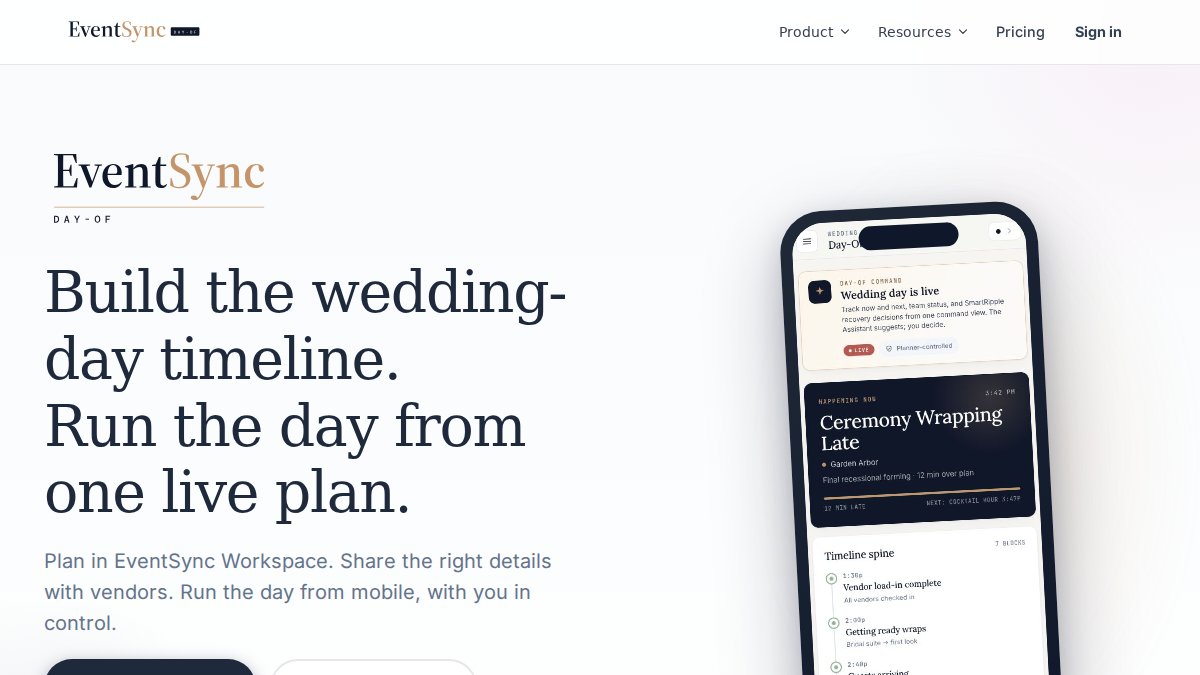
EventSync: Mobile-First Real-Time Coordination
Key strengths:
Best for: Day-of coordinators managing large crews; complex events with multiple simultaneous activities; weddings where real-time communication is critical; teams already using Slack for internal communication.
Drawbacks: Primarily focused on execution rather than long-term planning; requires vendors to have smartphones and push notification access; no business operations integrations limit its role in overall planning workflow.
Integration Ecosystem: A Critical Consideration for Planners
Professional planners manage timelines within a larger business ecosystem: accounting software for invoicing, email marketing for client communication, and payment gateways for deposits. A timeline tool without these integrations creates manual data entry and silos. When evaluating a timeline genius alternative, ask about integration roadmaps and whether the platform has a public API for custom connections.
| Tool | Best For | Pricing Model | Vendor App Required | QuickBooks Integration | Email Marketing Integration | Payment Gateway Integration |
|---|---|---|---|---|---|---|
| HAPPILY ON TIME | Simplicity and control | One-time license | No (text-based) | No | No | No |
| Colara | High-volume planners | Subscription | Yes | Via Zapier only | Via Zapier only | Via Zapier only |
| SmartyWed | Fast setup | Subscription | Yes | No | Yes (Mailchimp, ConvertKit) | No |
| EventSync | Day-of coordination | Subscription | Yes (native app) | No | No | No |
Wedding Day Run of Show Software: Key Differences
The best timeline genius alternative serves different needs: couples want a calm hub, planners need vendor coordination, and vendors need clear schedules. Few platforms excel at all three.
Prioritize software with built-in buffers between events to prevent vendors arriving late and ceremonies running behind. Real-time updates that automatically notify vendors of changes prevent confusion when timelines shift.
How to Create a Wedding Day Timeline That Works
Building a timeline that actually prevents problems requires three foundational steps. Skip any of these and you'll end up with a schedule that looks good on paper but breaks under real-world pressure.
Start with your venue buffers
Understand your venue's constraints first: doors opening, setup time, ceremony-to-reception transition, and hard stops. Add 15-30 minute buffers between major events to account for ceremonies running long and other delays. Document these buffers and share them with your planner and vendors.
Build in vendor dependencies
Map vendor dependencies: photographer needs ceremony to end before reception photos, caterers need guests seated before serving, florist needs space access before guests arrive. Build your timeline around these dependencies. HAPPILY ON TIME's customized views show each vendor only what affects them, eliminating confusion.
Customize views for each team member
A timeline genius alternative should let you customize what each person sees. When vendors see only their relevant tasks, they focus better and execute more reliably.
Subscription vs. One-Time License: What Matters
The pricing model you choose affects more than just your budget. It shapes how you use the tool and what happens after your wedding.
Subscription models charge monthly regardless of usage; one-time licenses like HAPPILY ON TIME let you pay once and retain permanent access. For couples planning one wedding, one-time licenses avoid paying for months of unused access.
Switching Costs and Migration Friction
Switching tools carries real friction: migrating vendor contacts, rebuilding timelines, and training your team. For planners managing multiple client timelines, this friction compounds across dozens of events.
The Hidden Cost of Migration
Migrating a typical timeline (40-80 tasks, 8-15 vendors, notes, attachments) takes 3-6 hours per wedding. For a planner managing 20 timelines, that's 60-120 hours of setup work. Data loss is also a risk: if your current tool doesn't export in standard formats (CSV, Excel), you'll manually transcribe vendor information or lose custom notes entirely.
Evaluating Data Portability Before You Switch
Can you export your vendor list? Request a sample export from the new platform's support team. Open it in Excel or Google Sheets and verify that all fields you need (name, phone, email, role, notes) transfer cleanly. If the platform only exports partial data, you'll be manually filling gaps.
The Vendor Adoption Barrier
Re-onboarding vendors to a new app-based platform is a major switching cost. Text-based vendor communication eliminates this friction: HAPPILY ON TIME sends timelines via text link with no app, login, or new account required.
Calculating Whether the Switch Is Worth It
Switching cost: (Hours to migrate data × your hourly rate) + (Hours to re-onboard vendors × your hourly rate) + (Cost of new tool's first year)
Frequently Asked Questions
What makes a Timeline Genius alternative better for my wedding?
The best alternative depends on your priorities. If you want to avoid subscriptions, HAPPILY ON TIME offers a one-time license with no recurring fees. If your vendors struggle with tech, HAPPILY ON TIME sends schedules via text without requiring app downloads. If you need AI-powered timeline generation, Colara automates schedule creation. For real-time day-of coordination, EventSync excels with live push notifications. Compare based on your budget model, vendor tech comfort, and whether you prioritize planning or day-of execution.
Do wedding day run of show software tools require vendors to download an app?
Not all of them. HAPPILY ON TIME sends schedules directly via text message, so vendors don't need to download anything. EventSync and Colara are app-based or web-based, requiring vendors to access them through a browser or mobile app. SmartyWed uses a web interface. If your vendor team includes older relatives, photographers, or caterers who avoid new tech, text-based delivery is significantly easier to adopt than app-based solutions.
How do I know which alternative will actually work for my event size?
Check whether the tool handles your specific complexity: destination weddings, multiple venues, large vendor teams, or 200+ guests. HAPPILY ON TIME is built for complex events with customized views for each team member. Colara works well for planners managing many clients. SmartyWed is ideal for smaller, simpler events prioritizing speed. EventSync is designed for large day-of teams needing real-time sync. Start with your venue count, vendor team size, and guest count, then match those against each tool's strengths.
Is there customer support if something breaks right before my wedding?
Support availability varies. HAPPILY ON TIME offers customer support as part of its one-time license purchase. Subscription tools like Colara and SmartyWed typically include support as part of their plans, but response times and hours vary. EventSync focuses on day-of performance and reliability. Before committing, confirm support hours, response time guarantees, and whether they offer backup support on weekends. A tool is only as good as its support when you need it most.