Table of Contents
- Aisle Planner vs Timeline Genius: Head-to-Head Overview
- Feature Comparison: What Each Platform Delivers
- Wedding Planning Software Pricing: Cost Breakdown
- Ease of Use and Learning Curve
- Wedding Timeline Template and Customization
- Wedding Vendor Schedule Management and Workflows
- Which Tool Should You Choose?
- Frequently Asked Questions
Last Updated: October 20, 2026
Aisle Planner vs Timeline Genius: Head-to-Head Overview
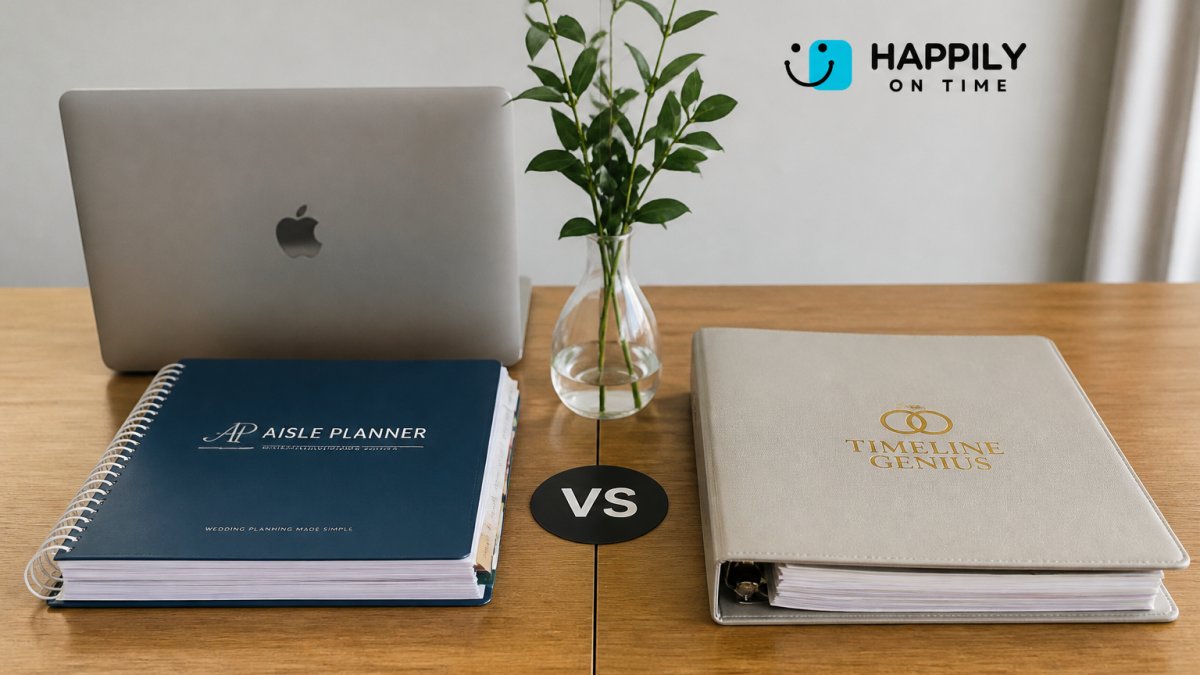
Spreadsheets go stale, group texts create chaos, and vendors miss details. Aisle Planner vs Timeline Genius both promise to solve that, but take different approaches. Both are timeline builders for weddings: one focuses on broad event planning, the other on wedding-day run-of-show coordination.
Feature Comparison: What Each Platform Delivers
What matters is how each feature behaves in a real planning workflow, plus the categories most comparisons skip: integrations, reviews, pros and cons, alternatives, and data portability.

Timeline creation and editing
Aisle Planner offers a drag-and-drop timeline builder with standard event features. The interface is clean, but it treats weddings like any other event, lacking built-in venue buffers or role-specific views.
Timeline Genius focuses on wedding timelines, with templates for ceremony-to-reception transitions and vendor overlap. Changes propagate in real time to everyone with access.
HAPPILY ON TIME is a specialized wedding-day run-of-show platform. Each team member receives a customized timeline via text, no app download required.
Vendor and client collaboration
Aisle Planner uses a shared workspace: vendors and clients log into a portal to see the timeline. In practice, many vendors don't engage because it's one more platform to manage.
Timeline Genius sends vendors their timeline via email or SMS, viewable without logging in. The limitation: communication is primarily one-way.
HAPPILY ON TIME eliminates the app entirely. Vendors and family receive their personalized schedule via text, and changes notify everyone automatically.
Timeline collaboration and change distribution
The gap shows up most clearly when a timeline changes: who sees the new version, who gets notified, and who is still looking at an old copy.
Aisle Planner distributes changes through its shared workspace.
Timeline Genius distributes changes via email or SMS, reaching people outside the platform. But communication is largely one-way: recipients receive the update, while acknowledgment and questions happen elsewhere.
HAPPILY ON TIME treats change distribution as the core function.
Integrations and compatibility
Aisle Planner is a broader workspace, so its value depends on how much of your workflow you run inside it. The more you centralize, the more switching costs you accumulate.
Timeline Genius is narrower by design, integrating with email and SMS rather than replacing a planner's stack. It's easier to adopt, but isn't a client-management system.
HAPPILY ON TIME is deliberately channel-based: it delivers through text, which every vendor and family member already has.
Customer reviews and ratings
Aisle Planner reviews praise the all-in-one workspace but criticize the learning curve and general-event orientation. Timeline Genius reviews praise wedding-specific templates and run-of-show speed but criticize one-way vendor communication and subscription cost for low-volume users.
Reviews spot patterns, but they aren't a substitute for testing the workflow you care about.
Pros and cons
| Platform | Pros | Cons |
|---|---|---|
| Aisle Planner | Broad planning workspace; drag-and-drop timeline; useful for planners managing multiple event types | General-event orientation; portal login required for vendors; steeper setup |
| Timeline Genius | Wedding-specific templates; fast run-of-show creation; email/SMS delivery to vendors | Largely one-way communication; subscription cost for single-event users |
| HAPPILY ON TIME | Text-based delivery with no app or login; automatic change notifications; built-in venue buffers; one-time license | Not a full client-management workspace; best suited to run-of-show coordination |
Alternatives and competing tools
Planners wanting an all-in-one workspace compare Aisle Planner against other full-suite platforms; planners wanting a focused run-of-show tool compare Timeline Genius against other timeline-specific products. HAPPILY ON TIME sits in the second category but removes the platform-adoption problem by delivering through text. If your priority is client management and contracts, a full-suite tool fits better; if it's making sure every vendor and family member sees the final schedule, a delivery-first tool fits better.
Data portability, ownership, and offline access
This matters at the worst possible moment: when you switch tools or the venue has unreliable Wi-Fi.
With Aisle Planner, timelines and client records live inside the platform. Before committing, confirm what you can export, in what format, and whether exports preserve the detail you need.
With Timeline Genius, timelines are delivered via email or SMS, giving you a copy outside the platform, but platform-side records are tied to your account: what happens if you stop paying?
HAPPILY ON TIME is built around delivery rather than storage.
| Feature | Aisle Planner | Timeline Genius | HAPPILY ON TIME |
|---|---|---|---|
| Timeline Builder | Drag-and-drop, general events | Wedding-focused templates | Specialized run-of-show format |
| Vendor Access | Portal login required | Email/SMS view | Text message only |
| App Required | Yes | Optional | No |
| Real-time Updates | Yes | Yes | Yes, automatic via text |
| Customization | Standard | Wedding-specific | Branded to match colors |
| Venue Buffers | No | Limited | Built-in, prevents rushing |
| Change Distribution | Workspace login | Email/SMS push | Automatic text to each recipient |
| Data Portability | Platform-held, export options vary | Delivered copies plus account records | Delivered to recipients by text |
Wedding Planning Software Pricing: Cost Breakdown
Pricing is where most comparisons stop at headline numbers. A real cost comparison must account for plan tiers, seat counts, event volume, and how long you keep the subscription open.
How Aisle Planner prices its plans
Aisle Planner sells tiered subscription access rather than a one-time license. For a couple planning a single wedding, you pay for access during the entire planning window, not just the week of the event.
For a professional planner, the math flips: a monthly subscription spreads across multiple clients, so per-event cost drops as volume rises. But seat limits and event caps on lower tiers can force a mid-season upgrade, so map your busiest month against plan limits before committing.
How Timeline Genius prices its plans
Timeline Genius also uses recurring subscription pricing that varies by feature access and usage. For a couple, that means budgeting for the full planning runway rather than a single purchase.
A common pattern in this category is that the entry tier looks affordable until you hit a limit on active events, collaborators, or template access, and then the effective price jumps. Before you compare monthly rates, confirm what each tier actually includes.
Total cost for realistic planner scenarios
Headline monthly prices ignore duration and volume. The table below frames the calculation rather than asserting a single number, since published rates change and plan structures differ by tier.
| Scenario | What drives total cost | What to calculate before you buy |
|---|---|---|
| Solo couple, one wedding | Months of active subscription from first login to event day | Monthly rate × months active, plus any setup or onboarding fee |
| Solo planner, 12 events per year | Plan tier that covers your peak concurrent event count | Monthly rate × 12, divided by events to get per-event cost |
| Small planning team, 30+ events per year | Seat count and event caps on the tier you need | Monthly rate × 12, plus cost of any add-on seats or upgrades |
| Multi-day or destination event | Whether the plan counts multi-day events as one event or several | Confirm event-counting rules before you commit |
Run this math for your own event volume. A cheap monthly rate can exceed a one-time purchase once multiplied by the months you need it, and an expensive monthly plan can be cheaper per event at high volume.
The one-time license alternative
HAPPILY ON TIME uses a one-time license rather than a recurring subscription. You pay once and keep access permanently, with no renewal date. For a couple, that removes the duration variable: cost doesn't grow the longer your engagement runs.
The trade-off: a one-time license front-loads cost instead of spreading it, favoring buyers who use the tool across multiple events or want to avoid ongoing billing. Compare the subscription total for your planning window against the one-time price, not the monthly rate against the license fee.
Aisle Planner pricing page
Timeline Genius pricing page
Ease of Use and Learning Curve
Aisle Planner has a moderate learning curve. The interface is intuitive for project-management veterans, but includes features you may not need for a single wedding.
Timeline Genius is easier to learn because it's designed for weddings.
HAPPILY ON TIME has the gentlest learning curve because there's almost nothing to learn.
The real ease-of-use advantage comes from adoption. A tool requiring vendors to download an app or log into a portal creates friction, and many won't engage consistently.
Wedding Timeline Template and Customization
Aisle Planner provides generic event templates you can adapt for weddings. That flexibility helps unusual weddings but means more setup work for standard ones.
Timeline Genius includes wedding-specific templates for ceremony-only, ceremony and reception, destination, and multi-day events. They save time and ensure you don't miss important timing details.
HAPPILY ON TIME doesn't rely on templates because it's built specifically for wedding-day run-of-show coordination.
Wedding Vendor Schedule Management and Workflows
Managing vendor schedules is where most tools fall short.
Timeline Genius includes role-based access and task assignment, so vendors see their specific responsibilities and timing. But it still relies on vendors actively checking in, which doesn't always happen.
HAPPILY ON TIME sends each vendor a customized schedule via text instead of asking them to adopt another platform.
When you make changes, everyone gets notified automatically. No chasing vendors through email or group texts, no wondering if they saw the update.
Which Tool Should You Choose?
The right choice depends on what you're solving for.
Choose Aisle Planner if you need general event planning software that handles weddings as one of many event types, or if your wedding is highly unusual and requires significant customization.
Choose Timeline Genius if you want wedding-specific software with solid templates and straightforward vendor access.
Choose HAPPILY ON TIME if your priority is keeping your entire wedding team synchronized without asking anyone to adopt new technology.
Aisle Planner is flexible but generic. Timeline Genius is wedding-focused but still relies on platform adoption.
For couples managing their own wedding, HAPPILY ON TIME removes the coordination burden.
The difference between a coordinated wedding and a stressful one comes down to communication.
HAPPILY ON TIME specializes in exactly this problem.
Frequently Asked Questions
What is the main difference between Aisle Planner and Timeline Genius for wedding timelines?
Aisle Planner and Timeline Genius both organize wedding day schedules, but they differ in delivery method and subscription model. The core difference lies in how each platform balances vendor adoption with pricing structure and customization depth.
Can vendors use Timeline Genius and Aisle Planner without downloading an app?
This difference matters significantly when coordinating with florists, caterers, and other vendors who prefer minimal friction.
How do wedding timeline software and wedding planning software differ in pricing?
Wedding planning software pricing varies by model. Some platforms charge per-event fees; others use subscription models. Timeline software specifically focuses on day-of coordination and may use different pricing tiers based on event complexity or team size. When comparing options, check whether you're paying per event, per month, or a one-time license. Visit each platform's pricing page to see current rates and trial options.
Which platform is better for managing a wedding vendor schedule across multiple venues?
For multi-venue weddings with complex vendor coordination, look for platforms offering customized views so each vendor sees only their relevant timeline, real-time update delivery, and secure document sharing. Both platforms support vendor coordination, but they differ in how updates reach vendors and how easily you can adjust schedules mid-event. Test each platform's workflow with your specific venue count and vendor team size before deciding.